

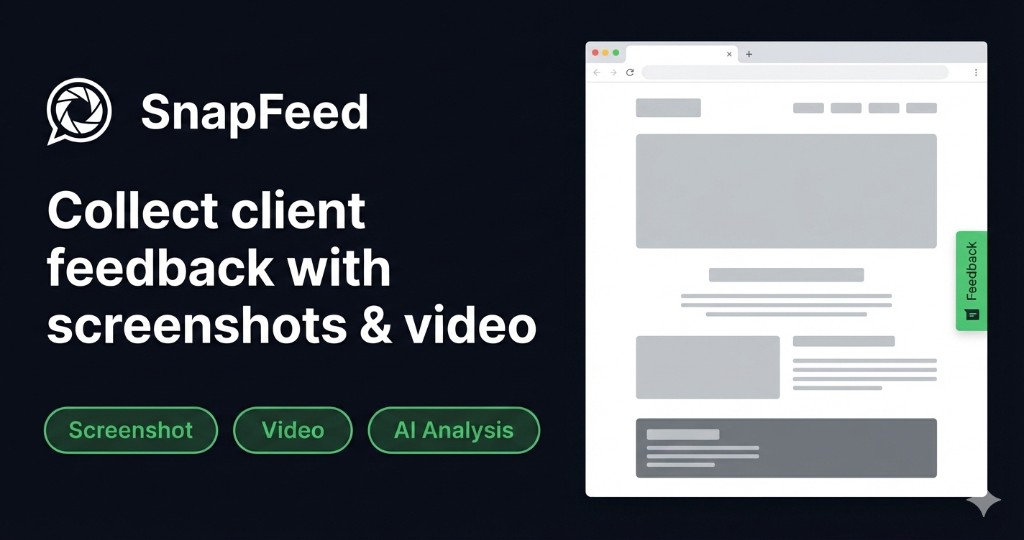
SnapFeed started as a simple screenshot feedback widget. Over the past year, it’s grown into a full feedback management platform. Here’s a look at what we shipped and where we’re headed.
What We Built in 2024
AI Auto-Analysis
This was the biggest launch of the year. Every feedback item is now automatically analyzed by AI (Google Gemini) and gets:
- Category classification: Bug, UI issue, UX feedback, content, feature request, performance
- Priority score: 1–10 based on severity and user impact
- Technical summary: Translates client language into developer language
- Auto-tags: Filterable labels like
#mobile,#authentication,#critical - Multi-language support: Analysis output in your team’s language
The impact: teams spend significantly less time triaging feedback and more time fixing things.
Video Recording Support
Clients can now record their screen directly from the widget, without installing any browser extension. The recording is automatically:
- Processed with ffmpeg to fix MediaRecorder duration metadata
- Stored and playable directly in the feedback dashboard
- Linked to the specific page where the recording was made
This is particularly useful for bug reports that involve multi-step interactions (“click here, then scroll, then click the dropdown and it breaks”).
VPS Storage Migration
All files (screenshots and videos) now live on our own VPS infrastructure rather than Supabase Storage. This means:
- Faster upload speeds
- No storage quotas
- Files served directly via Caddy with proper cache headers
- Lower costs that we can pass on to users
Team Collaboration
- Invite team members to projects with role-based access (Admin, Editor, Viewer)
- Comments on individual feedback items
- Activity feed showing all project activity
- Real-time updates via Supabase Realtime
Kanban Board View
Visualize feedback items as a Kanban board with columns: New → In Review → Resolved. Drag-and-drop interface for status changes.
Rate Limiting
Added intelligent rate limiting to protect your projects:
- 10 feedback submissions per minute per widget key
- 20 file uploads per minute per project
This prevents feedback spam while not affecting normal usage.
CSV Export
Export all project feedback to CSV for reporting, client meetings, or importing into other tools. Includes all metadata: category, priority, URL, viewport, browser, OS, timestamps.
GDPR Account Deletion
Added a full account deletion flow that removes all user data, files (screenshots/videos from VPS), and cancels any active Stripe subscription. Required for GDPR Article 17 compliance.
What We’re Building
Slack Integration (Q2 2025)
Direct Slack notifications for new feedback, status changes, and comments. One-click setup, configurable per event type.
Webhook Delivery (Q2 2025)
Send feedback events to any URL: Zapier, Make.com, Linear, Jira, Notion — or your own system. Full event payload with all metadata.
Public Roadmap Voting
Let your users vote on which features to prioritize. We’re building this on SnapFeed itself, using our own tool for product feedback.
Feedback Digest for Clients
Weekly email digest for clients showing the status of all their feedback — without them needing to log in. Keeps them informed and reduces “what’s happening with my feedback?” emails.
Embeddable Status Page
A shareable URL that shows clients the status of all their feedback items. No login required, just a secure link.
Custom Categories
Define your own feedback categories instead of using the default set. Match your workflow, not ours.
Two-Way Comments
Let clients see and reply to comments from your team. Currently comments are team-only — opening them to clients (as an optional setting) creates a more collaborative review experience.
What We Learned This Year
Building SnapFeed taught us a few things:
Clients are willing to adopt new tools if onboarding is simple. The Loom video trick (60-second walkthrough) is the single biggest predictor of a client successfully using the widget. We now recommend it in our own documentation.
AI analysis is valuable even when imperfect. Users initially worried AI would misclassify feedback. It does, occasionally. But even at 85% accuracy, the time savings on triage are significant enough that teams don’t want to go back.
Video beats screenshots for multi-step bugs. Once we added video recording, teams started preferring it for anything involving user flow. Screenshots remain better for static design issues.
Team collaboration was the missing piece. Our original product was a solo tool. Adding team features transformed it from “nice to have” to “core infrastructure” for agencies.
A Note on Pricing
We’ve kept our free plan generous intentionally. We believe agencies should be able to test SnapFeed on a real project before committing. The free plan includes everything — AI analysis, team collaboration, video recording — for 1 project and 10 feedback items/month.
Pro is for teams that are running multiple projects concurrently. Check our pricing page for current rates.
Thanks for building with us. If you have product feedback, submit it through SnapFeed — obviously. Or reach us at contact.